
SmartAlbums Proofing: Send a new version to your client
When your client requests changes, update your design in SmartAlbums and publish a new version. Your client's link stays the same, so they always see the latest version.
- Open your project in SmartAlbums and make your changes.
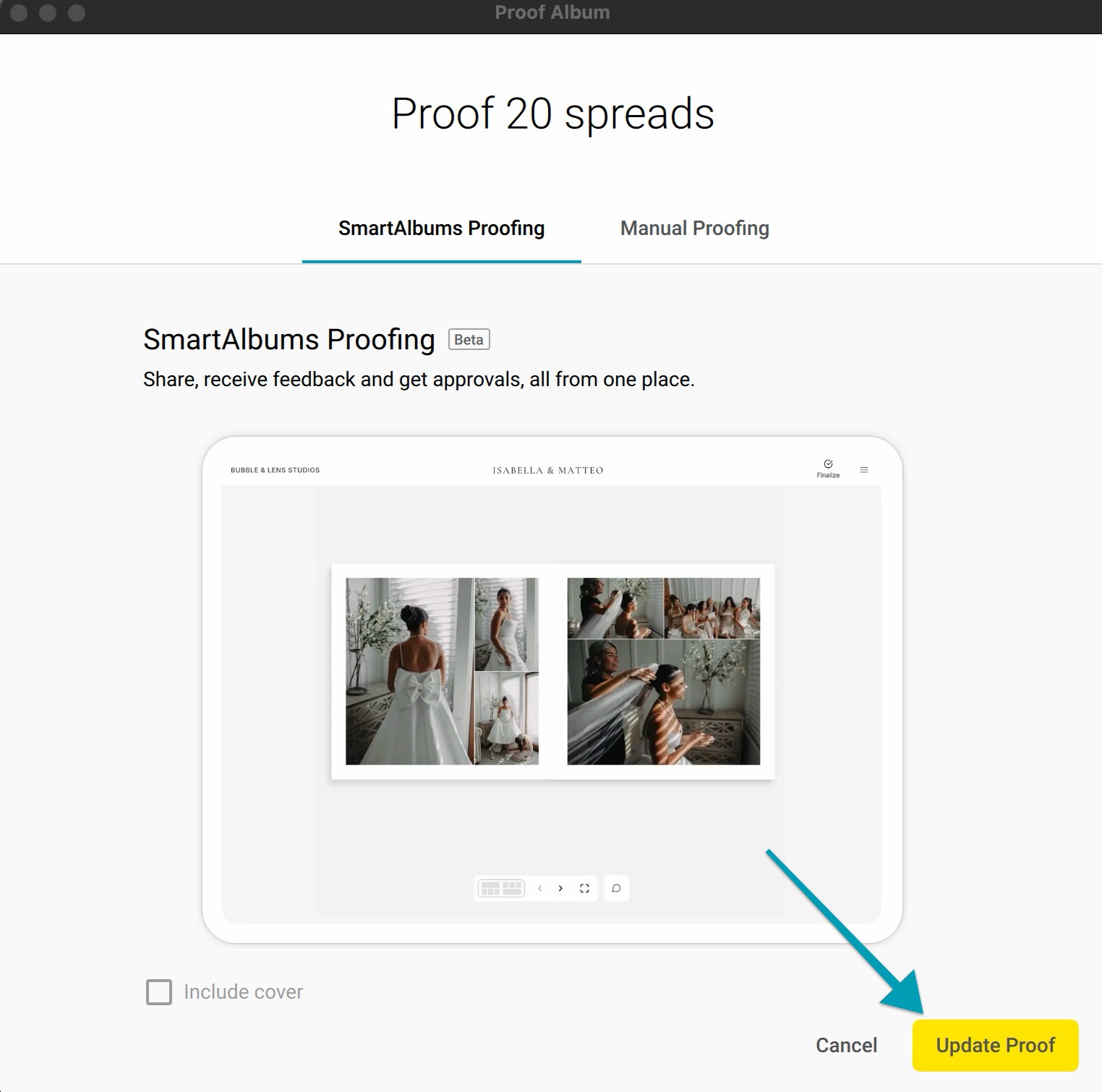
- Click Proof.
- Click Update Proof.
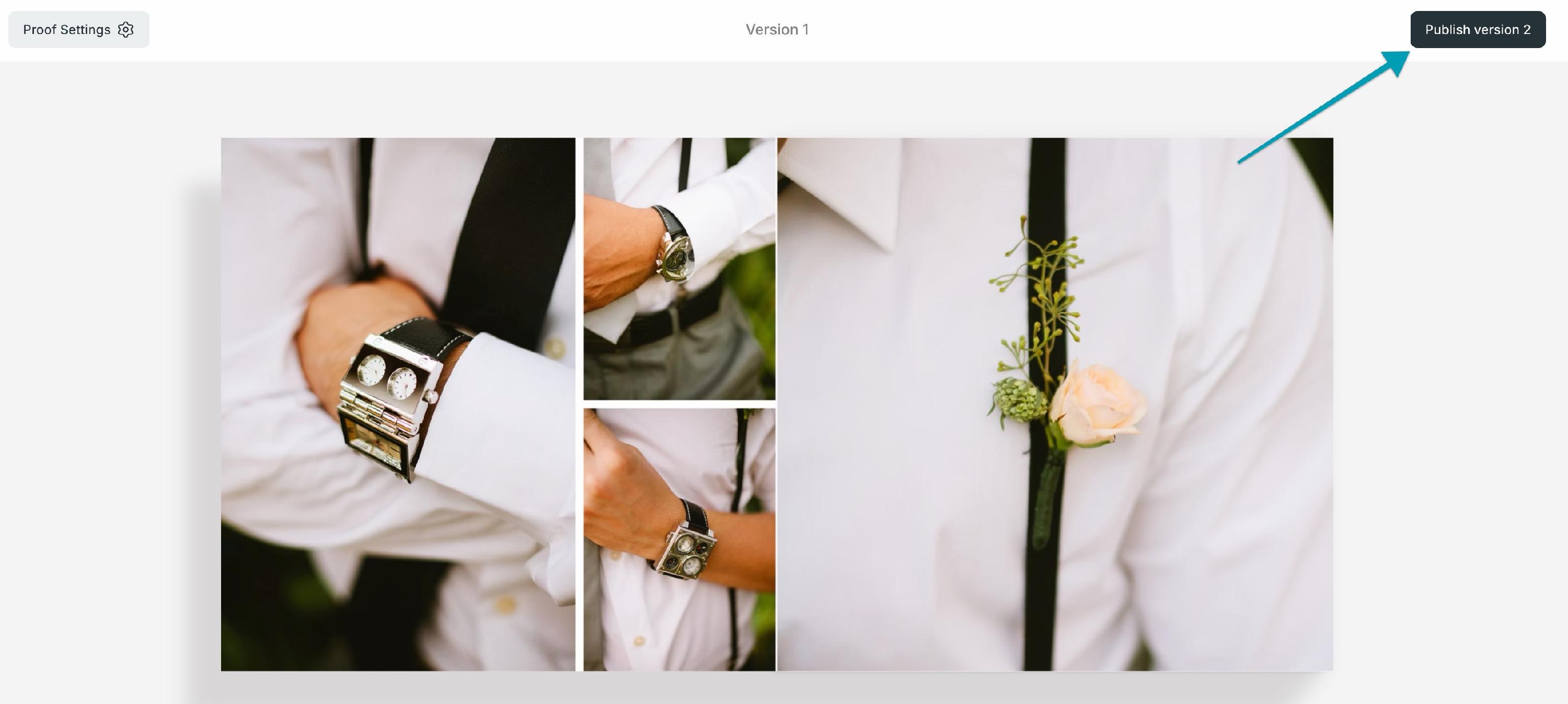
- On the proofing page, review the new version.
- Click Publish version #.
Comments from earlier versions stay with the proof and are labeled by version (Version 1, Version 2, and so on).
Note: Your client isn't notified automatically yet, so let them know when a new version is ready.