
SmartAlbums Proofing: Order or export an approved album
When your client approves an album, its status changes to Approved in My Proofs, and you can order or export the final design from SmartAlbums.
- Open the project in SmartAlbums.
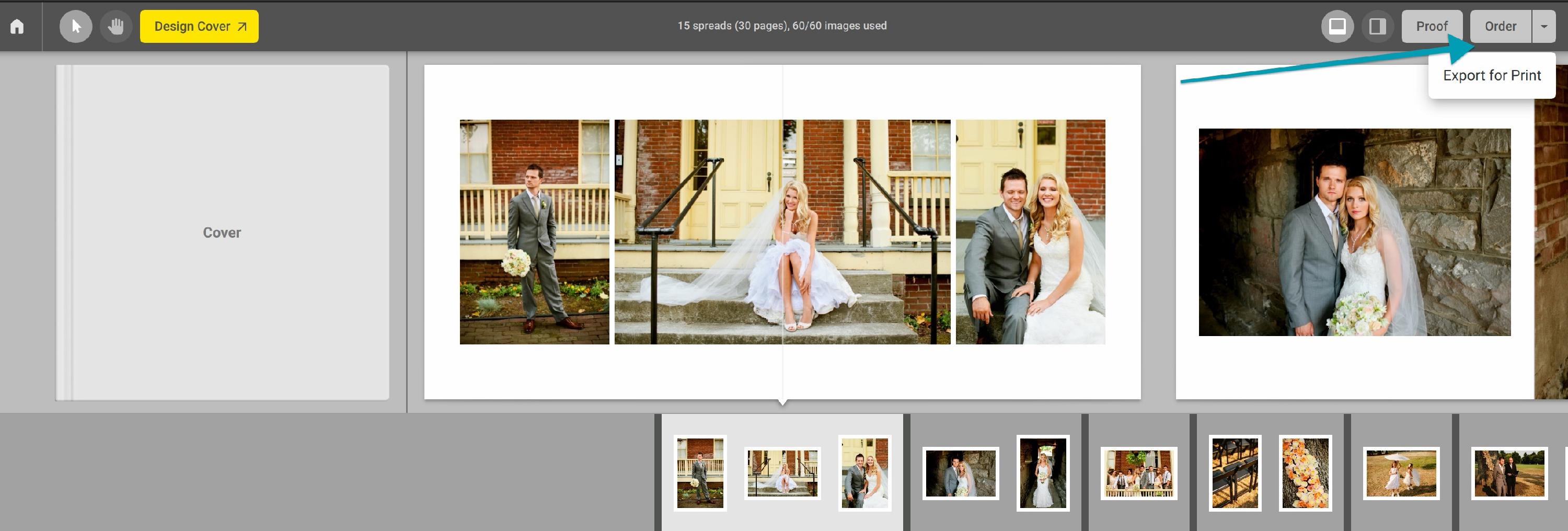
- Click Order to order the album from your album company.
- Follow the steps to complete your order. Learn more in Ordering Albums on SmartAlbums.
- If your album company doesn't support ordering from SmartAlbums, click Export instead, then upload your print-ready files to your album company. Learn more in Printing your designed SmartAlbums album.
Note: To order from SmartAlbums, your album needs a cover designed with Design Cover. Learn more in Which covers can my client review in SmartAlbums Proofing?